
The extension
A calm break, after real work.
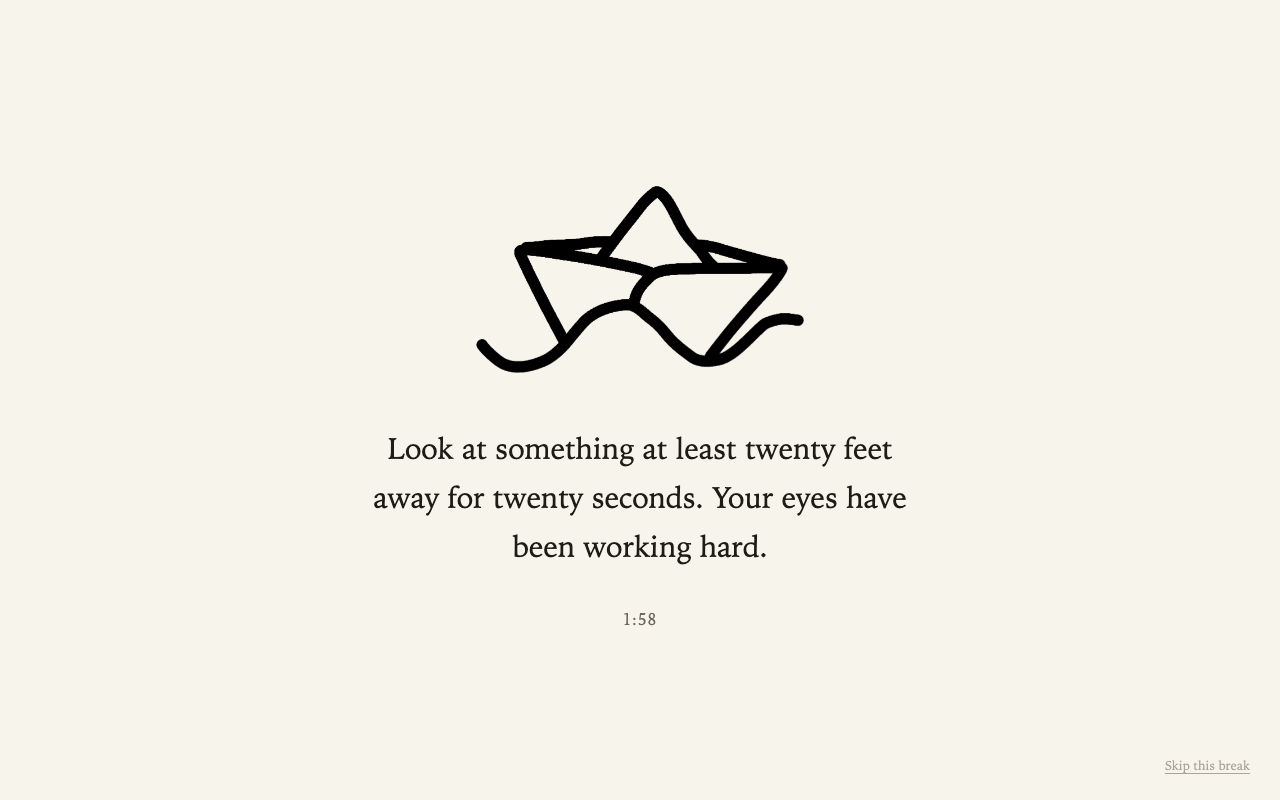
Take A Break lives quietly in Chrome. Finish a sub-task — or let a timer carry you — and a full-screen break appears with one plain, restorative prompt. A couple of minutes later, you're back.
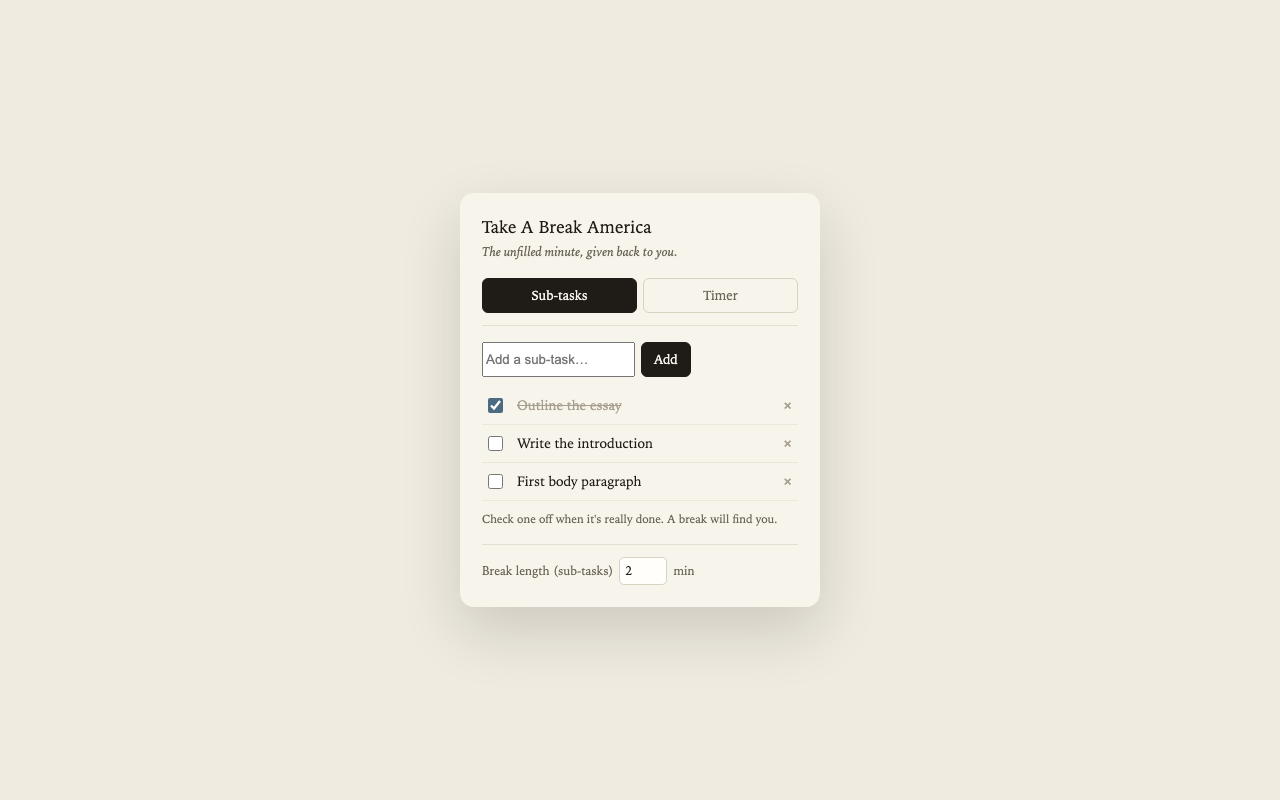
What it looks like
The same calm, on every screen.
How it works
Two ways in. One quiet result.
Write your real work down
Break the day into sub-tasks before you start — your own words, your own sizing.
Finish one, honestly
The moment you check off a real piece of work, a calm full-screen break appears. You decide what "done" means.
Or let a timer carry you
Prefer a rhythm? Choose Pomodoro, 52/17, or your own interval, and the break arrives on its own.
The thinking behind it
Built on how attention actually recovers.
Sustained, monotonous work produces what researchers call time-on-task effects: performance quietly worsens the longer you push. A break reverses that — but only when it gets your undivided attention. A social-media scroll gives the feeling of detachment without real cognitive recovery, which is why it never seems to help.
Timing matters less than the seam. Anchoring breaks to completed sub-tasks means the pause always arrives at a natural stopping point — no dropped thread, no re-reading the last paragraph to remember where you were. The work sets the pace, and the rest fits itself around it.